
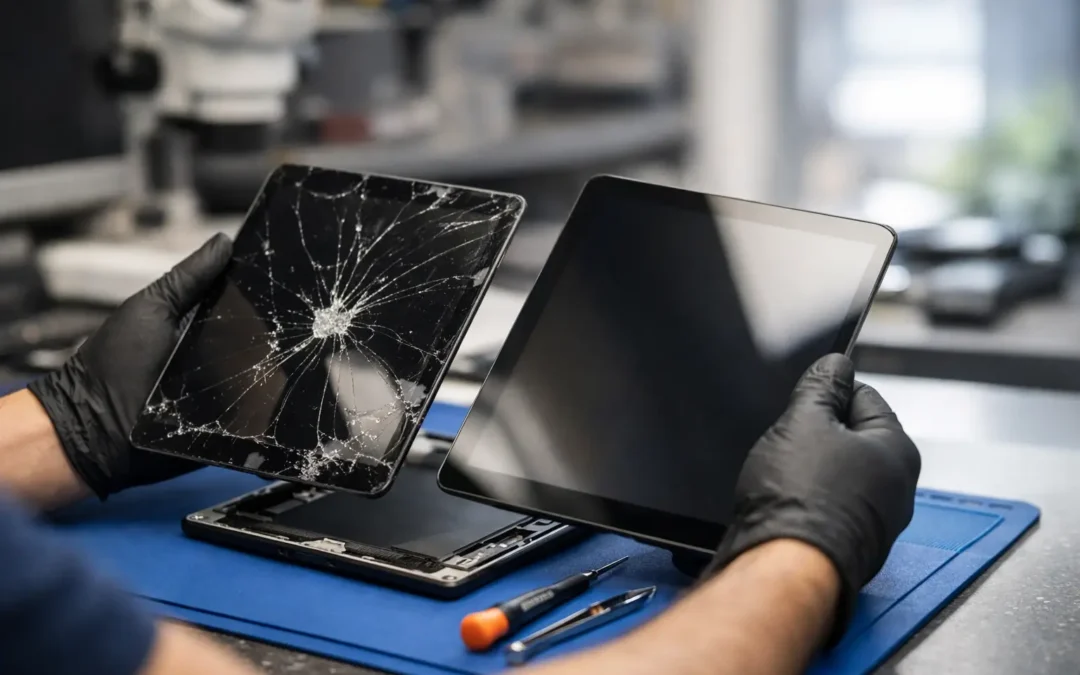
A cracked tablet screen changes more than the way your device looks. It can make schoolwork harder to read, turn a quick work task into a frustrating one, and leave sharp glass where your hands or your child’s hands need to go. A local tablet screen replacement service gives Houston customers a faster alternative to living with the damage, buying a new device too soon, or mailing a tablet away for weeks.
Not every cracked screen needs the same repair, though. Some tablets have broken outer glass but a working display. Others show black spots, flickering lines, or no image at all. The right repair starts with identifying what failed, then giving you a clear answer on cost, timing, and whether repair makes sense for your model.
When a Tablet Screen Needs More Than a Case
A screen protector and protective case can prevent a small crack from spreading after a drop, but they cannot repair existing damage. Once the glass is fractured, moisture, dust, and pressure can work their way into the display. A crack near the edge may seem harmless at first, then spread across the screen after one trip in a backpack or a little pressure from your hand.
Watch for changes beyond visible cracks. Dead areas where touch no longer responds, random taps, colored lines, dark blotches, flashing, or a screen that stays black while the tablet still powers on can point to display damage beneath the glass. These problems can affect iPads, Samsung Galaxy Tabs, Amazon Fire tablets, and many other models.
If the tablet is swelling, separating at the edges, overheating, or showing a lifted screen after a drop, stop using it until a technician can inspect it. Those signs may involve the battery or internal frame, not just the screen.
What a Tablet Screen Replacement Service Should Include
Screen repair is not a one-size-fits-all job. On some tablets, the glass, touch layer, and LCD or OLED display are bonded into one assembly. On others, a technician may be able to address a more specific component. The repair method depends on the model and the damage, which is why a proper inspection matters before anyone quotes a final price.
A dependable tablet screen replacement service should verify the exact model, check the display and touch response, inspect the frame for bending, and test key functions after the repair. That includes the cameras, charging port, buttons, speakers, microphones, Wi-Fi, and touchscreen performance. A new screen is only useful if the tablet still works the way you rely on it to work.
At Phone Repair Ambulance, customers can bring their tablet to one of eight Houston-area locations or ask about mobile, on-site options when convenience matters. You should not have to decipher technical language or wait in the dark for updates. Clear repair status and straightforward communication make a damaged device much less stressful to deal with.
The Quality of the Part Matters
A low price can be tempting, especially when a tablet is older. But the lowest-cost replacement part may come with trade-offs: dimmer brightness, weaker touch sensitivity, colors that look off, or a display that does not hold up as well to daily use. Quality parts and careful installation help preserve the experience you expect from your device.
That does not mean the most expensive repair is automatically the right choice. For an older tablet with a weak battery, charging issues, or a very low resale value, putting a large amount into a screen may not be practical. A trusted technician should explain the options honestly, including whether repair, trade-in, or replacement is the smarter move.
How Fast Can Tablet Screen Repair Be?
Turnaround time depends on the tablet model, the type of damage, and part availability. Many common repairs can be completed the same day when the needed part is available. Less common models, specialty displays, or tablets with frame damage may take longer because the repair requires a specific part or more detailed work.
If you need the tablet for a class, presentation, travel day, or your child’s school assignments, say so when requesting a quote. A repair team can tell you what is realistic before you commit. Fast service matters, but rushing a repair without confirming the right part and testing the finished device is not a shortcut worth taking.
The best approach is to get a diagnosis early. Waiting until a small crack becomes a failing touch screen can leave you without the tablet at the worst possible time.
Before You Bring in Your Tablet
A few quick steps can protect your information and help the repair go smoothly. If the screen still works, back up the tablet to your preferred cloud service or a computer. Remove any case, keyboard attachment, or accessories unless the technician asks you to bring them for testing. If possible, write down the passcode or be prepared to enter it when function testing is needed.
You should also tell the technician about anything that happened before the screen broke. Did the tablet get wet? Was it dropped hard enough to bend the corner? Did the battery start draining unusually fast afterward? Those details can reveal damage that is easy to miss from the outside.
Do not try to press the glass back into place, use glue around the screen, or keep peeling away loose shards. DIY kits can look affordable, but modern tablets are tightly assembled and easy to damage during opening. One torn cable, bent frame, or damaged battery can turn a screen repair into a more expensive problem.
Repair or Replace? Make the Practical Call
A broken screen does not automatically mean the tablet is finished. If the device is otherwise reliable, receives the software support you need, holds a reasonable charge, and does what your household or business needs it to do, repair is often the practical choice. It keeps your files, apps, settings, and familiar setup in place without the cost and time of moving to a new device.
Replacement may make more sense when several expensive problems appear together. A tablet with a badly cracked screen, failing battery, bent housing, unreliable charging port, and limited storage may be near the point where repair no longer offers good value. This is especially true if a newer model would provide meaningful improvements for work, school, or accessibility.
There is no universal answer because the value of a tablet is personal. A device used for a child’s reading apps may be worth repairing even if it has little trade-in value. A business tablet that handles payments, appointments, or field documentation may be worth fixing quickly simply because downtime costs more than the repair.
Questions to Ask Before Authorizing the Repair
Before you hand over a tablet, get the details that affect your decision. Ask whether the quote covers both parts and labor, whether the damage appears limited to the screen, how long the repair is expected to take, and what testing will be done afterward. It is also reasonable to ask about warranty coverage on the repair and what happens if the technician finds additional damage after opening the device.
A professional answer should be clear, not evasive. You deserve to know whether a same-day repair is possible, what part is being installed, and whether your tablet’s condition makes repair worthwhile. Transparent answers are a sign that the shop is focused on solving your problem, not just completing a transaction.
Protect the New Screen After Repair
Once the screen is replaced, a fitted case and quality screen protector are simple investments that can save you from another repair. For children, choose a case with reinforced corners and a grip that is easy for smaller hands. For work or travel, a folio case can add protection when the tablet shares a bag with chargers, notebooks, and other hard objects.
Avoid leaving a tablet on the edge of a counter, dashboard, or car seat where one sudden stop can send it to the floor. Keep liquids away from charging areas, and do not use a screen with severe damage just because it still turns on. Taking care of a small issue early is usually easier than recovering from a fully failed display.
When your tablet is part of your daily routine, a cracked screen should not force you into weeks of inconvenience. Get an honest diagnosis, choose the repair path that fits the device and your budget, and get back to using it with confidence.