
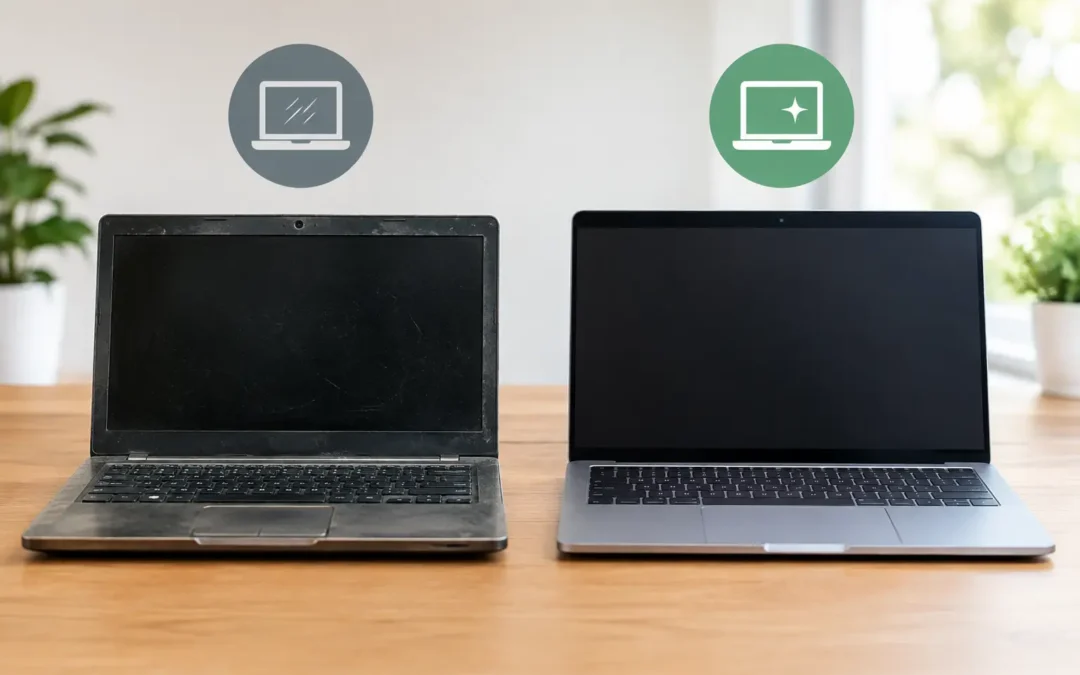
A $300 laptop can be a smart save or an expensive interruption. The difference often comes down to one question: used laptop versus refurbished laptop – what are you actually getting for the money? If you need a computer for school, remote work, running a small business, or keeping up with family life, the right choice depends on more than the sticker price.
A used laptop may give you stronger specs for less. A refurbished laptop may give you more confidence that the machine has been checked, repaired, and prepared for its next owner. Neither option automatically wins. The best one is the laptop that fits your needs, budget, and tolerance for risk.
Used Laptop Versus Refurbished Laptop: The Main Difference
A used laptop is generally sold in its current condition after being owned by someone else. It may have cosmetic wear, an aging battery, missing accessories, or a hidden issue the previous owner never noticed. Sometimes it has been wiped and tested. Sometimes it has simply been turned on long enough to confirm that it boots.
A refurbished laptop has typically gone through an inspection process before resale. Depending on the seller, that can include diagnostics, cleaning, data removal, operating system installation, replacement parts, battery testing, port checks, and quality control. The word “refurbished” matters only when the seller can explain what work was actually completed.
That is the key distinction: used describes prior ownership. Refurbished should describe a documented process. A well-maintained used laptop can be an excellent buy. A poorly handled “refurbished” laptop can still bring problems. Ask questions before you pay.
When a Used Laptop Makes Sense
A used laptop can be a good fit when your budget is tight and your needs are straightforward. Students writing papers, families needing a second computer, or someone who mainly browses the web, pays bills, and streams video may not need the newest processor or a premium warranty.
Used models can also offer better hardware for the same price. For example, a two- or three-year-old business-class laptop may have a stronger processor, more memory, a better keyboard, and a more durable build than a brand-new budget model. Business laptops from major manufacturers are often designed to handle daily travel and heavier workloads.
The trade-off is uncertainty. Batteries wear out, charging ports loosen, fans collect dust, and storage drives eventually fail. If you are buying from an individual, you may have no return window and no one to call if the laptop starts shutting down a week later. The money saved upfront can disappear quickly if it needs a battery, screen, keyboard, or motherboard repair.
Used is usually the better choice when you can inspect the computer in person, test it thoroughly, and accept that you may need maintenance later. It is less ideal when you need a dependable work machine immediately and cannot afford downtime.
When Refurbished Is Worth the Extra Cost
A refurbished laptop is often the safer middle ground between buying new and buying used. You are still avoiding the price of a current-generation machine, but you should receive a device that has been evaluated for common problems before it reaches you.
For busy professionals, parents, and small business owners, that added preparation can be worth it. A proper refurbishment can catch failing storage, weak batteries, keyboard issues, overheating, damaged hinges, and software problems that are easy to miss during a quick used-laptop inspection.
Look for a clear condition grade and a return policy. “Excellent condition” should mean more than a vague promise. Find out whether the battery was tested, whether the charger is included, whether the operating system is properly activated, and whether the seller offers any warranty coverage. A short warranty does not guarantee perfection, but it shows the seller is willing to stand behind the device.
Refurbished is especially practical if you need a laptop for work, classes, bookkeeping, video calls, or customer communication. Reliability has value when missed deadlines and interrupted work cost more than the difference between two price tags.
Do Not Buy Based on Price Alone
The cheapest laptop is rarely the best value if it is already near the end of its useful life. Before comparing listings, decide what the computer needs to do. A laptop for email and documents has different requirements than one for graphic design, gaming, programming, or editing video.
For everyday use, aim for at least 8GB of RAM and solid-state storage, commonly called an SSD. An SSD makes a noticeable difference in startup time, app loading, and overall responsiveness. Older laptops with traditional hard drives can feel slow even if the processor is acceptable.
For heavier work, 16GB of RAM may be the better target. Check the processor generation as well, not just the brand name. Two laptops can both say “Intel Core i5” while delivering very different performance depending on their age. If a listing does not clearly state the processor model, memory, storage type, screen resolution, and battery condition, treat that as a reason to ask more questions.
Also consider compatibility. Some older computers cannot run the current operating system comfortably or may stop receiving security updates sooner than expected. A low price does not help much if the laptop cannot safely handle the software you rely on.
What to Check Before You Buy
If you are inspecting a used laptop, take a few minutes to test the parts that create the most expensive surprises. Turn it on from a full shutdown, connect it to Wi-Fi, test the keyboard and trackpad, plug in the charger, and check every USB port you expect to use. Open a video to test speakers and look closely at the screen for flickering, dead pixels, bright spots, or lines.
Pay attention to the hinges and case. Loose hinges, a separated frame, a swollen battery, or a charging port that only works at a certain angle are not minor cosmetic issues. They can point to repair costs that outweigh the deal.
Ask whether the laptop has been removed from the previous owner’s account and fully reset. On some systems, activation locks or management profiles can prevent a new owner from using the device properly. A legitimate seller should be able to provide a clean, ready-to-set-up computer without hesitation.
For refurbished laptops, ask what “refurbished” includes. Was it only cleaned and reset? Were components replaced? Was the battery health measured? Has the device passed diagnostics? Clear answers matter more than a marketing label.
Warranty, Returns, and Local Support Matter
A warranty is not just paperwork. It gives you a path forward if a problem appears after purchase. Even a 30- or 90-day coverage period can make a refurbished option more practical than a private-party used laptop sale with no return option.
Local support matters, too. If your computer has a failing battery, broken screen, liquid damage, malware, or charging problem, you want a real technician who can inspect it instead of spending days shipping it away. Houston customers can bring a laptop to Phone Repair Ambulance for diagnostics and repair help when a device needs attention.
Before buying, factor repairability into your decision. Some slim laptops use soldered memory or difficult-to-replace batteries. Others are easier to service and upgrade. A slightly older business laptop with replaceable storage and memory can sometimes deliver more years of useful service than a cheaper model built as a sealed, disposable device.
Which One Should You Choose?
Choose a used laptop if the seller is trustworthy, you can test it carefully, and the lower price leaves room in your budget for a possible battery or repair. It can be a strong value for basic use or for buyers who understand the hardware they are evaluating.
Choose refurbished if you need more certainty. A documented inspection, clean operating system, tested components, and warranty coverage reduce the chance that your “good deal” turns into a problem during an important workday or school week.
If two laptops have similar specs and one includes a clear refurbishment process and return coverage, the refurbished unit is usually the safer purchase. If the used option is significantly less expensive, in excellent condition, and thoroughly tested, it may be the smarter move.
Buy the laptop that gives you enough performance for the next few years, not just enough to turn on today. A quick check before you buy can save you from a much less convenient repair later.