
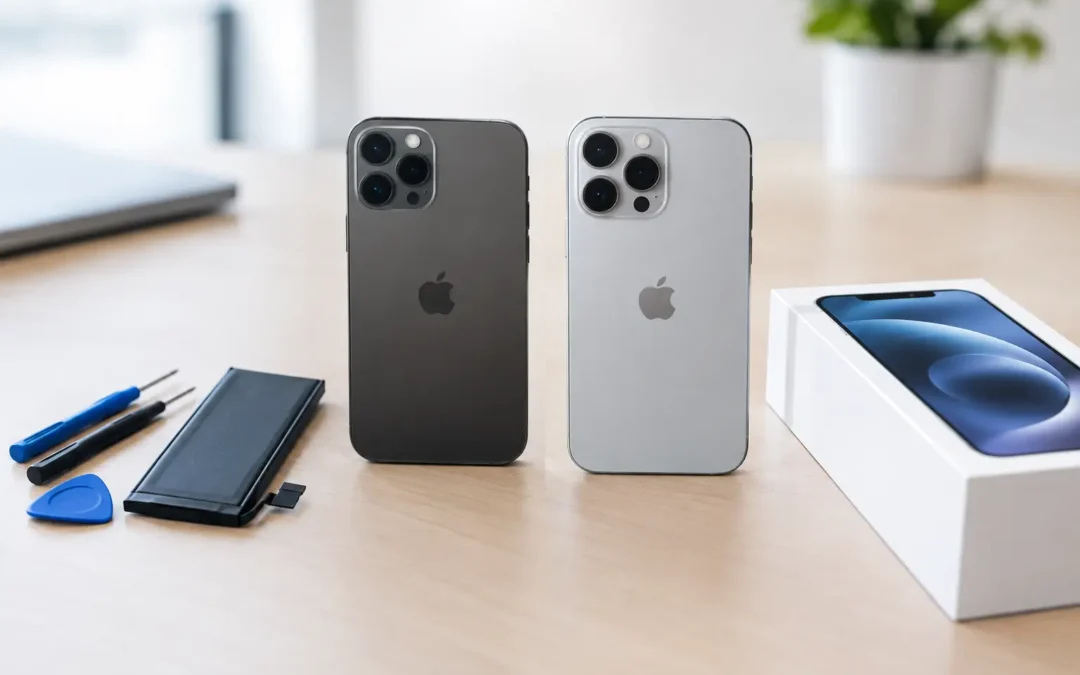
Your iPhone was charged overnight, but it is already hunting for an outlet before lunch. That is the moment when iPhone battery replacement versus upgrade becomes more than a technical question. You need a phone that keeps up with work calls, school pickup, maps, messages, and everything else your day requires.
A weak battery does not automatically mean you need a new iPhone. In many cases, a professional battery replacement is the faster, lower-cost fix. But if your phone has several problems at once or can no longer run the features you need, upgrading may make better financial sense. The right choice depends on what is actually slowing you down.
iPhone Battery Replacement Versus Upgrade: Start With Battery Health
Check your battery health before making a decision. On most iPhones, go to Settings, then Battery, then Battery Health & Charging. Apple displays your Maximum Capacity, which estimates how much charge the battery can hold compared with when it was new.
A capacity near 100% is healthy. Once it falls below 80%, many users notice shorter battery life, unexpected shutdowns, slower performance, or a message that the battery needs service. That 80% mark is not a rule that forces you to replace the phone. It is a practical signal that a new battery could make a noticeable difference.
Battery health is only one part of the diagnosis. A phone can drain quickly because of a failing battery, but it can also be affected by a bad charging port, background apps, weak cellular service, software issues, or damage from a drop or water exposure. If the problem appeared suddenly, do not assume the battery is the cause. A technician can help identify whether a battery replacement is actually the repair you need.
Signs a battery replacement is likely worth it
Battery replacement is usually the better move when your iPhone is otherwise dependable. Your screen works, cameras are clear, storage is not constantly full, and the phone still handles the apps and updates you use every day.
A new battery is especially worth considering if you are dealing with several familiar signs:
- Your charge drops much faster than it used to, even with normal use.
- The phone shuts down while the battery percentage still shows charge remaining.
- Performance feels sluggish, especially when the battery is low.
- You need to recharge more than once a day to make it through regular work or school use.
- Battery Health shows a service message or capacity under 80%.
Replacing the battery can extend the useful life of an otherwise solid iPhone by a year or more. It also keeps your current case, accessories, photos, apps, and setup in place. For Houston customers who need their phone back quickly, a battery repair can be much less disruptive than transferring everything to a new device.
When an Upgrade Makes More Sense
An upgrade becomes more reasonable when a worn battery is just one of several frustrations. If you also have a cracked screen, charging problems, weak cameras, limited storage, recurring software issues, or expensive damage, the total repair cost may start moving too close to the value of a newer device.
Age matters as well. Older iPhone models eventually stop receiving major iOS updates. They may still work for calling, texting, and basic apps, but they can become less practical for banking apps, work tools, security updates, and newer features. If your phone is nearing the end of software support, putting money into a battery may only buy limited time.
Think about your actual needs, not just the latest release. A parent who mainly calls, texts, uses photos, and manages family schedules may get plenty of life from a battery replacement. A small business owner who runs customer apps, takes product photos, uses video calls, and stores large files may benefit more from newer performance, camera hardware, storage, and 5G capability.
There is also a simple quality-of-life question: are you happy with the phone when it is fully charged? If the answer is yes, replace the battery. If the answer is no because the device is slow, full, outdated, or damaged in multiple ways, an upgrade deserves a closer look.
Compare the Real Cost, Not Just the Battery Price
The lowest immediate price is not always the lowest cost over time. A battery replacement generally costs far less than buying a newer iPhone, which makes it a strong value when the rest of your device is in good shape. It can also help you delay a larger purchase until you are ready for it instead of upgrading under pressure.
On the other hand, avoid putting repair dollars into a phone with multiple major problems if you are likely to replace it soon anyway. For example, an older phone with poor battery life, a badly cracked display, limited storage, and unreliable charging may be better traded in or replaced. The same battery repair that is a smart choice on a newer model may be a short-term patch on a much older one.
Do not forget the hidden costs of an upgrade. A new phone may require a higher monthly payment, a more expensive insurance plan, new accessories, or time spent moving data and signing back into accounts. Those costs are manageable, but they are real. A battery repair is often the cleaner choice when your goal is simply to get through a full day without carrying a charger.
Consider trade-in value before you repair
If you are leaning toward an upgrade, find out what your current iPhone is worth first. A device with a healthy screen and no major damage may still have meaningful trade-in or resale value, even if its battery is weak. That value can reduce the cost of your next phone.
Physical condition matters. Cracked screens, liquid damage, missing parts, and activation lock issues can lower what a device is worth. If the only concern is battery health, compare the expected trade-in value against the cost and benefit of replacing the battery. You may find that repairing it first is worth it, or that it makes more sense to apply its current value toward another device.
Do Not Ignore Safety and Data Protection
A swollen battery is different from ordinary battery wear. If your screen is lifting away from the frame, the phone feels unusually hot, or the body of the device looks bent or separated, stop using it and have it inspected right away. Do not press the screen back down, puncture the battery, or keep charging it overnight.
Before any repair or upgrade, back up your iPhone if you can. A battery replacement should not erase your data, but backups protect you from the unexpected. Make sure you know your Apple ID password, confirm your photos and messages are backed up, and remove any sensitive information if you plan to trade in or sell the device.
Get an Answer Based on Your Phone, Not a Guess
The best decision comes from a quick, honest assessment of your iPhone’s condition. At Phone Repair Ambulance, trained technicians can check battery performance and look for related issues that may be affecting charge life. That helps you avoid paying for a battery when the actual issue is the charging port, software, or damage inside the phone.
If a replacement is the practical fix, fast local service can get your phone back into your hands without the wait and uncertainty of mailing it away. If upgrading is the better value, you can move forward knowing you considered the condition, cost, and remaining life of your current device.
A phone that dies before your day is over should not force a rushed purchase. Get the battery and device checked, protect your data, and choose the option that gives you the most reliable day-to-day use for your money.