
A phone dropped in a sink, splashed at the pool, or soaked by a Houston downpour needs quick, calm action. Knowing how to dry wet phone damage the right way can make the difference between a simple cleanup and a device that fails days later from corrosion.
The biggest mistake is assuming your phone is fine because it turns back on. Water can remain under the screen, around the charging port, or on internal components long after the outside feels dry. Your goal is not to force it to work. Your goal is to stop power from moving through moisture and get the device properly dried.
What to Do Immediately When Your Phone Gets Wet
First, remove the phone from the water and turn it off right away. If the screen is unresponsive, hold the power button until it shuts down. Do not keep testing it, playing sounds, opening apps, or checking whether the camera still works. Every attempt to use a wet phone can send electricity through areas that should stay dry.
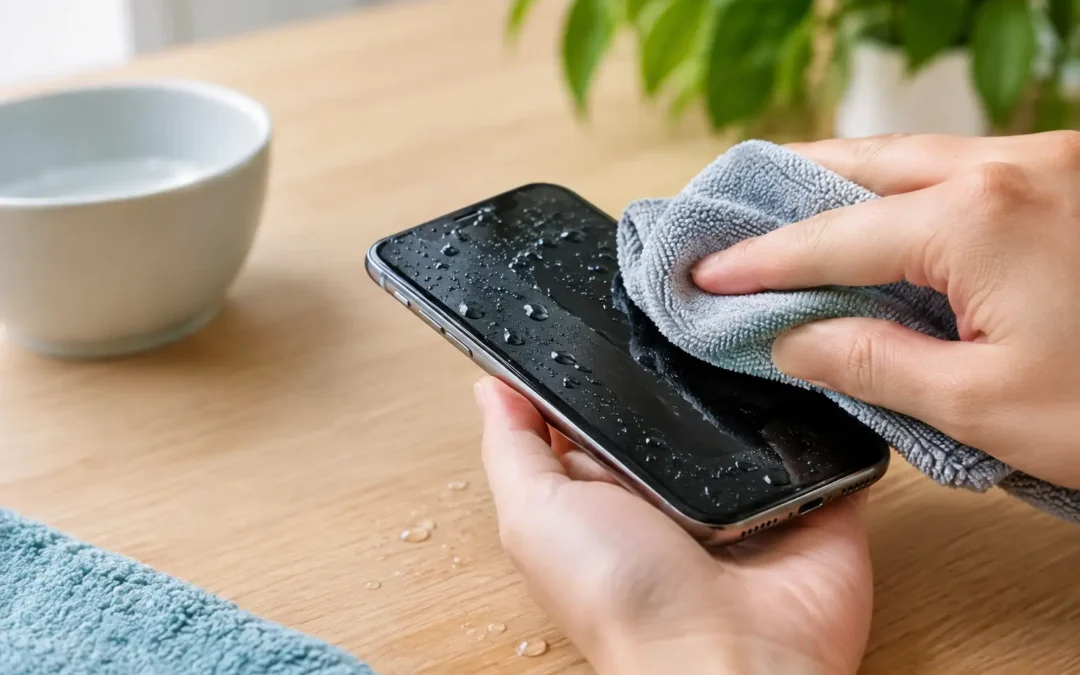
Remove the case, charging cable, accessories, SIM tray, and any removable battery if your model has one. A case can trap moisture against the frame, while a charging cable creates an unnecessary electrical risk. Gently wipe the outside with a clean, lint-free cloth.
Hold the phone with the charging port facing downward and lightly tap it against your hand. This can help loose water escape from the port. Do not shake the phone aggressively. Hard shaking can push moisture farther inside, especially behind the display and around the cameras.
If your phone was exposed to saltwater, soda, coffee, juice, pool water, or another liquid besides clean water, the risk is higher. Those liquids leave behind minerals, sugar, chlorine, or residue that can corrode internal parts even after the moisture evaporates. In that situation, professional cleaning is usually the safest move.
How to Dry a Wet Phone Without Causing More Damage
After the initial wipe-down, place the phone on a dry, absorbent towel in a room with normal airflow. Position it with the charging port facing down. A fan circulating cool air nearby can help, but keep it at a reasonable distance. You want steady airflow, not a blast of heat.
Leave the phone powered off for at least 24 hours. If it was fully submerged or water entered the charging port, speaker openings, or camera lenses, 48 hours is a safer waiting period. The exact drying time depends on how much liquid got inside, the type of phone, and whether the water was clean.
Many newer iPhones and Samsung Galaxy phones have water-resistance ratings, but water-resistant does not mean waterproof. Seals wear down over time, and previous drops, screen damage, repairs, heat exposure, and age can reduce protection. Even a phone with an IP rating can suffer damage after submersion.
Use Cool Air, Not Heat
A cool fan is fine. Direct heat is not. Avoid placing your phone on a heater, in an oven, in direct sunlight, or near a hair dryer. High heat can warp the display, weaken adhesive, damage the battery, and cause moisture to evaporate into areas where it can leave behind corrosive residue.
Avoid compressed air, too. It may force water deeper into the phone or damage delicate port components. The same goes for inserting paper towels, cotton swabs, or tissue into the charging port. Fibers can get stuck and make charging problems worse.
Should You Put a Wet Phone in Rice?
No. Rice is one of the most common water-damage myths, and it is not a reliable repair method. It does not pull water out of your phone quickly enough to prevent internal damage. Rice dust can also get into the charging port, speaker grilles, and microphone openings.
Silica gel packets can absorb some surrounding moisture, but they are not a replacement for proper internal drying and cleaning. If your phone was lightly splashed and remains powered off, cool airflow and time are generally more useful than filling a bag with rice.
The real concern is not just visible water. It is corrosion. When liquid reaches connectors, circuits, or the battery area, minerals and contaminants can start damaging components. That process may continue after your phone looks dry on the outside.
When It Is Safe to Turn Your Phone Back On
Wait at least 24 hours before turning your phone on, and longer after a major soak. Before you power it up, inspect the charging port, speakers, camera lenses, SIM tray area, and screen edges. If you can still see moisture, fogging, or droplets, wait longer and keep the device off.
Do not plug it in just to see whether it charges. Charging is often where water damage becomes worse. Many modern phones will display a moisture-detection warning when liquid is present in the port. Take that warning seriously. Disconnect the cable and allow more time for drying.
When you finally turn the phone on, watch for warning signs: a flickering screen, distorted speakers, touch-screen issues, random restarts, camera fogging, battery drain, overheating, or a charging port that will not work. These can appear immediately or several days later.
Back up your data as soon as the phone is stable enough to use. Photos, messages, contacts, work files, and authentication apps may be more valuable than the phone itself. If the device is working but acting unusual, do not wait for it to completely fail before seeking help.
Signs You Need Water-Damage Repair
A professional inspection makes sense anytime your phone was submerged, exposed to contaminated liquid, or shows problems after drying. It is especially urgent if the phone will not power on, gets hot, has a black or flashing screen, will not charge, or has moisture trapped in the cameras.
Water damage is time-sensitive. The longer liquid and residue sit on internal components, the greater the chance of corrosion. A technician can safely open the device, inspect the damage, clean affected areas, and determine whether the battery, screen, charging port, or other parts need replacement.
For Houston customers, Phone Repair Ambulance can help with water-damaged iPhones, Samsung phones, tablets, and other devices without the wait of a mail-in repair. Fast service matters because the best chance to save a wet phone is usually before corrosion spreads.
A Few Things Not to Do
When you are trying to save a wet phone, skip these common fixes:
- Do not charge it until it is fully dry and shows no moisture warning.
- Do not use a microwave, oven, heater, or hair dryer.
- Do not put it in rice or insert objects into the charging port.
- Do not repeatedly turn it on to test it.
- Do not assume water resistance means there is no risk.
If the phone was only splashed and you shut it down quickly, careful drying may be enough. If it went underwater, was exposed to anything other than clean water, or starts acting differently afterward, getting it checked early is the safer and often less expensive choice.
A wet phone can feel like an emergency, especially when it holds your work, school files, family photos, and daily communication. Keep it powered off, avoid heat and charging, give it time to dry, and get help quickly if anything seems off. Acting fast is your best chance to protect both the device and the data inside it.