
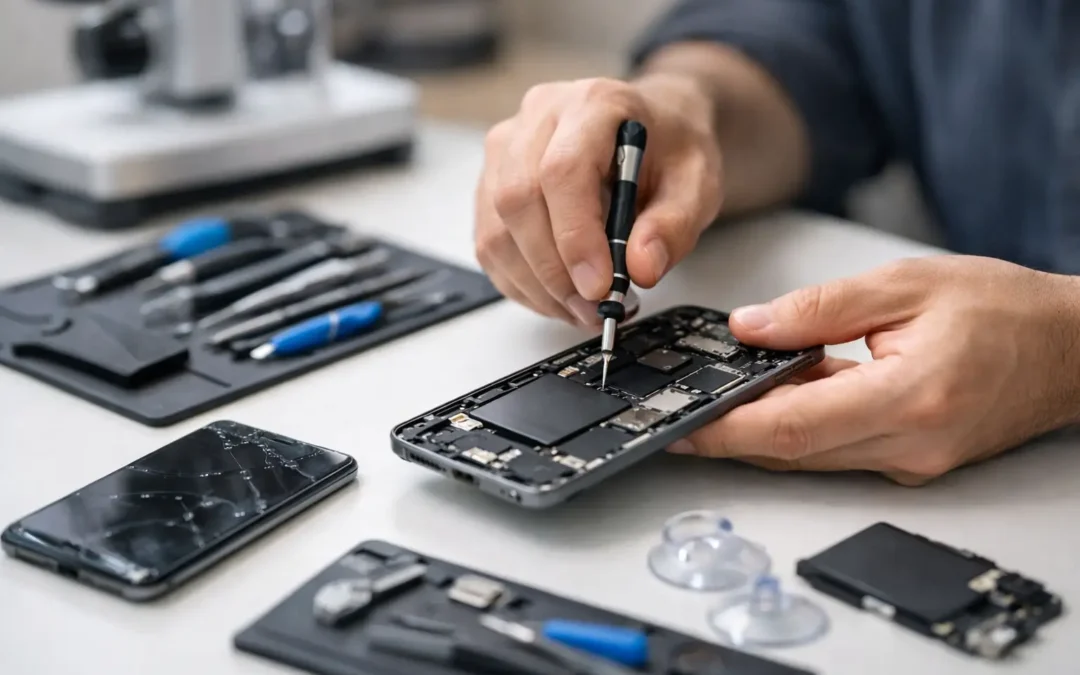
Your phone never picks a convenient time to fail. It slips out of your hand in a parking lot, lands face-down on concrete, or stops charging right before work, school, or pickup time. A good cell phone repair guide helps you make the right move fast – because waiting too long, trying the wrong fix, or trusting the wrong shop can turn a simple repair into a much bigger problem.
What this cell phone repair guide covers
Most phone problems fall into a handful of categories. Cracked screens, weak batteries, charging port issues, water exposure, camera failures, speaker problems, and software trouble make up the majority of repair requests. The key is knowing which problems are mostly cosmetic, which ones affect safety or data, and which ones need immediate professional attention.
If the phone still turns on, that does not always mean it is fine. A cracked display can get worse quickly. A swollen battery can become dangerous. Water damage can spread corrosion even after the phone appears to recover. The smartest repair decisions usually happen in the first hour after the damage, not three days later when the phone finally gives out.
Start with the symptom, not the guess
People often decide what is wrong before anyone has looked at the device. They assume the battery is dead, the screen is bad, or the charger stopped working. Sometimes they are right. Just as often, the real issue is a damaged charging port, a loose internal connection, liquid intrusion, or a failed component on the board.
That matters because the fix, the cost, and the turnaround can change a lot depending on the true cause. If your phone charges only at a certain angle, that might be lint packed into the port or a worn connector, not a battery failure. If the display is black but the phone vibrates, you may be dealing with screen damage rather than a dead phone.
A quick inspection by a trained technician saves time and avoids buying accessories or parts you do not need.
Cracked screen repair: when to act now
Screen damage is the issue most people try to live with. They tell themselves the crack is minor, the touch still works, and they will deal with it later. The problem is that even a small crack can spread across the display, expose the device to moisture, and lead to touch failure.
If the glass is splintering, the screen has dead spots, colors are bleeding, or the display flickers, it is time to stop waiting. Broken glass can also be a safety issue, especially if kids use the device or you are constantly swiping over sharp edges.
Some screen repairs are straightforward and fast, especially on common iPhone and Samsung models. Others take longer because parts availability, frame damage, or Face ID and fingerprint sensor handling require more care. Speed matters, but quality matters too. A rushed repair with poor parts can leave you with weak brightness, touch lag, or a screen that fails again soon.
Battery problems are not always just old age
A battery that drains too fast, overheats, shuts off randomly, or sticks at a certain percentage is a common complaint. In many cases, battery replacement solves it. But not every battery symptom points to the battery alone.
Background app issues, charging IC problems, water damage, and software faults can all look like battery trouble. That is why a proper test matters. If the battery is swelling, do not keep charging the phone and do not press on the screen. Swelling can lift the display and create a real hazard.
For heavy phone users, battery replacement can be one of the best value repairs available. It extends the life of a device you already know and avoids the cost of replacing the whole phone. The trade-off is simple: if the phone has several other failing parts and is already near the end of its useful life, replacement may make more sense than stacking repair costs.
Charging issues: check the simple things first
When a phone will not charge, people usually blame the cable. Sometimes that is exactly the problem. Before assuming the worst, test a known good cable and adapter, and look closely at the charging port for packed dust or debris.
If the port feels loose, the phone only charges when held a certain way, or it connects and disconnects repeatedly, the port itself may be damaged. Wireless charging working while wired charging fails is another clue. Charging port repairs can be simple on some models and more involved on others, depending on how the device is built.
Do not force a charger into a dirty or damaged port. That tends to make a small repair more expensive.
Water damage: what to do in the first 10 minutes
Water exposure is where timing matters most. If your phone gets wet, power it off immediately. Remove the case. If your model allows it, remove any accessible accessories like the SIM tray. Dry the exterior gently with a clean cloth.
Do not keep testing it. Do not charge it. And do not trust the rice trick to save the day. Rice does not remove corrosion inside the phone, and every hour counts once liquid reaches internal components.
Professional cleaning and inspection give you the best chance of saving the device or recovering data. Some water-damaged phones can be restored quickly. Others may power on for a while and then fail later because corrosion keeps spreading. That is why fast action matters more than home remedies.
Software trouble can feel like hardware trouble
Freezing, boot loops, app crashes, overheating, and battery drain are not always signs of physical damage. Sometimes the issue is a software conflict, failed update, malware infection, or storage overload.
If your phone is responsive enough to use, start with the basics: restart it, update the operating system, clear storage, and back up important data. If the phone still misbehaves, especially after a drop or liquid exposure, the problem may be deeper.
This is where a repair shop that handles both hardware and software issues helps. You do not want to bounce between places while your phone gets worse or your data stays at risk.
DIY or professional repair?
This part of any cell phone repair guide depends on the problem, the model, and your tolerance for risk. A case swap or screen protector install is one thing. Opening a modern smartphone is another.
Today’s phones are tightly sealed, packed with delicate cables, and designed with model-specific adhesives, screws, and calibration requirements. One slip can damage the display, front camera, fingerprint sensor, or charging assembly. A cheap part bought online can also create new problems, from weak microphone performance to screens that look dim and wash out in daylight.
DIY repair can save money in some cases, but it also shifts all the risk to you. If the phone is newer, expensive, or holds important work and family data, professional repair is usually the better call.
How to choose a repair shop without wasting time
When your phone is down, you do not want a long research project. You want a shop that can tell you what is wrong, what it costs, how long it takes, and whether your data is likely to stay intact.
Look for clear turnaround times, experienced technicians, transparent communication, and a real local presence. Same-day service matters, but so does honesty. If a shop promises every repair in record time without inspecting the device, be careful. Good technicians move fast, but they also know when a repair needs more testing.
Houston customers usually care about two things first: can you fix it today, and can I trust you with my device? That is exactly why local service matters. A company like Phone Repair Ambulance stands out by combining store locations with mobile repair service, which makes a big difference when you cannot leave work, home, or school pickup.
Repair or replace? Ask the right question
The right question is not just, “Can this be fixed?” It is, “Is this repair worth it for how I use my phone?” A screen replacement on a newer phone is usually worth it. A major repair on an older device with battery issues, camera trouble, and storage limits might not be.
If repair costs start approaching replacement value, ask about trade-in or buyback options. Sometimes the best move is to recover value from the damaged device and put it toward a replacement. Other times, a fast repair buys you another year or two without the expense of a new phone.
That decision should be practical, not emotional. A trustworthy technician will tell you when a repair makes sense and when it does not.
A few habits that prevent repeat repairs
Most repairs are not fully preventable, but some are. A quality case and tempered glass protector help with drops. Keeping your charging port clean reduces connection problems. Avoiding cheap chargers can prevent power issues. Backing up your phone regularly protects you when a repair turns into a replacement.
And if damage happens, act early. A small crack, minor charging issue, or brief water exposure is easier to deal with before it becomes a dead screen, data loss, or a phone that will not power on at all.
The best repair decision is usually the one you make quickly, with the right diagnosis and no guessing. When your phone is the tool that keeps your day moving, fast and reliable help is not a luxury – it is the whole point.