
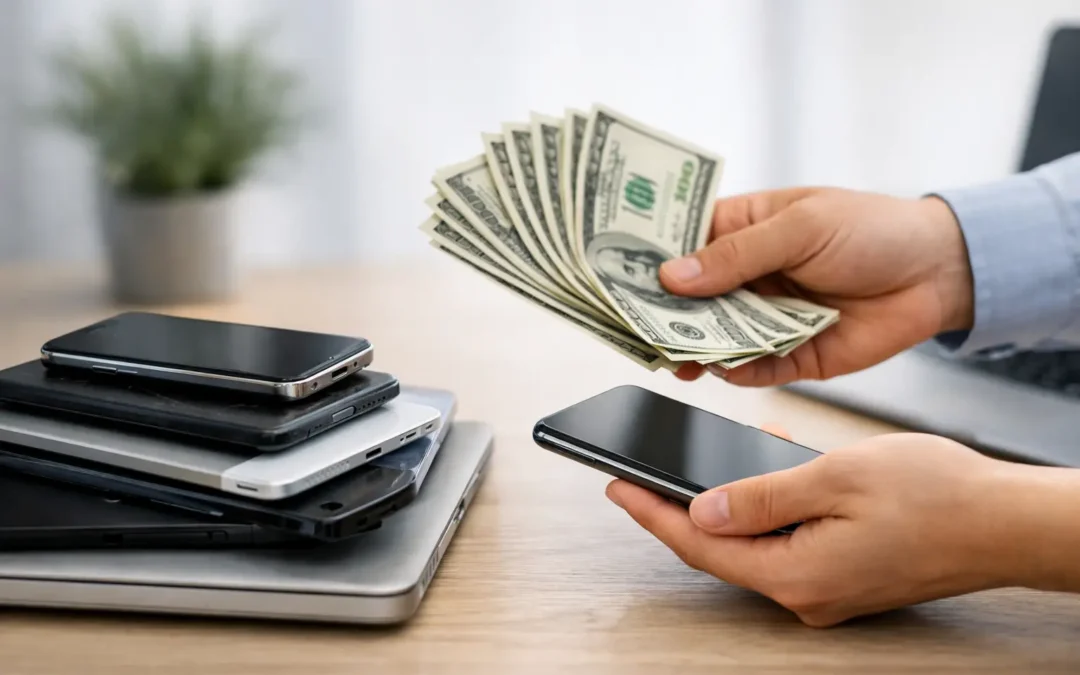
That drawer full of old phones, tablets, charging cables, and retired laptops may be worth more than you think. A device buyback gives Houston customers a practical way to turn unused tech into cash or credit while keeping it out of the landfill. Instead of letting a working device lose value for another year, you can put it toward a replacement, a repair, or something else you need.
The key is knowing what affects an offer, how to protect your data, and when selling is smarter than repairing. A quick decision can be convenient, but a prepared device usually gets a better result.
What Is Device Buyback?
Device buyback is the process of selling an eligible phone, tablet, laptop, smartwatch, or other consumer electronics device to a local buyer. The buyer evaluates the model, condition, functionality, carrier status, and market demand, then makes an offer based on its current resale value.
For most people, buyback is simpler than arranging a private sale. You do not have to photograph the device, respond to strangers, negotiate with multiple buyers, or worry about meeting someone from an online marketplace. A local evaluation also means you can ask questions, understand the condition assessment, and make a decision without mailing your device away.
A buyback offer will not always match the original purchase price or a high private-party listing. That is the trade-off for speed, convenience, and a more straightforward transaction. If your priority is getting maximum possible dollars and you have time to manage a private sale, that route may make sense. If you want a fast, dependable path to value, buyback is often the better fit.
Which Devices Usually Have the Most Value?
Newer devices in good working condition generally receive the strongest offers. Popular iPhone, Samsung Galaxy, iPad, MacBook, Surface, and gaming devices tend to hold value better because there is consistent demand for them.
Condition matters just as much as the model. A phone with a clean screen, responsive buttons, healthy battery, working cameras, and no account locks is easier to resell than one with cracks, charging issues, or water damage. Original boxes and accessories can help in some cases, but they are usually less important than whether the device works properly.
A device does not have to look brand new to qualify. Minor cosmetic wear is common, especially on phones that have been in a case. The bigger issue is functionality. A small scratch may have little effect on the offer, while a broken display, weak battery, damaged charging port, or Face ID failure can change the value significantly.
Older devices can still be worth bringing in for an evaluation. Even if they are no longer ideal for resale as complete devices, some may retain value for parts, repair, or recycling. It depends on the specific model and what is currently in demand.
What Can Lower a Buyback Offer?
Buyback evaluations are based on what a device can realistically be resold or refurbished for. The most common factors that lower an offer include physical damage, missing functions, heavy battery wear, blacklisting, carrier restrictions, and activation locks.
A cracked screen is obvious, but hidden issues matter too. A phone that randomly restarts, overheats, loses Wi-Fi, has a damaged camera, or does not hold a charge needs more work before it can be resold. On laptops, keyboard failures, liquid exposure, slow performance, broken hinges, and storage problems can all affect value.
Account locks are especially important. An iPhone with Find My still enabled, an Android device locked to a Google account, or a laptop still tied to an organization may not be eligible for buyback until the lock is removed. These protections are useful when a device is lost or stolen, but they must be cleared by the rightful owner before a buyer can safely take possession.
Prepare Your Device Before You Sell It
The most important part of a device buyback is not the quote. It is protecting the personal information stored on your device. Phones and computers often hold photos, messages, passwords, banking information, school files, work documents, and access to connected accounts.
Start by backing up anything you want to keep. For a phone or tablet, that may mean confirming your cloud backup is current or transferring data directly to your new device. For a laptop, copy important files to a secure external drive or trusted cloud storage before taking the next step.
Then sign out of your major accounts. On Apple devices, turn off Find My and sign out of your Apple Account. On Android devices, remove your Google account and disable device protection features. On Windows or Mac computers, sign out of personal accounts and remove the device from any work or school management system if applicable.
After you have backed up your information and removed your accounts, perform a factory reset. This erases personal content and returns the device to its setup screen. Do not factory reset first and assume everything is gone forever – confirm the backup before erasing anything.
Before bringing your device in, charge it if possible and bring the charging cable if the device has charging problems. A technician can perform a more accurate evaluation when the device can be powered on and tested. If you still have the original box, case, or accessories, bring them along, but do not delay the process if you do not.
Repair First or Sell It As-Is?
This is one of the most common questions customers ask. The answer depends on the repair cost, the device’s age, and what you plan to do next.
If a newer phone has a cracked screen but otherwise works perfectly, repairing it before a buyback may improve its condition and resale potential. The same can be true for a laptop with a replaceable battery or a tablet with a damaged charging port. But not every repair increases value enough to justify the cost.
For an older device with several issues, selling it as-is may be the smarter move. Paying for a screen, battery, and camera repair on a phone that is already several generations old can cost more than the added buyback value. A local technician can help you compare the repair estimate against the likely value of the repaired device, so you are not guessing.
Phone Repair Ambulance can evaluate damaged devices and explain whether a repair is worth considering before you decide to sell. That matters when you need a clear answer quickly, not a vague estimate from an online form.
Why Local Device Buyback Can Be the Better Choice
Online trade-in programs can be convenient, but they often require shipping, waiting for inspection, and accepting a revised offer if the condition does not match their expectations. A local buyback option gives you the chance to get a hands-on assessment and resolve questions in person.
For Houston families, students, professionals, and small business owners, time matters. A phone may be sitting unused because an upgrade is already active, or a laptop may be collecting dust after a replacement. Selling it locally can turn that unused equipment into immediate value without adding another task to your schedule.
Local service is also helpful when the device has damage. Online programs may use broad condition categories that do not reflect the exact issue. An in-person inspection can identify whether a device has a simple repair need, a resale limitation, or a problem that makes recycling the most responsible option.
Before You Accept an Offer
Be honest about your device’s condition, especially if it has been repaired, exposed to water, or has an intermittent issue. A transparent evaluation protects everyone and helps prevent surprises after testing.
You should also make sure the device belongs to you and is eligible to sell. Bring identification if requested, remove any cases or personal accessories you want to keep, and double-check that all account locks have been removed. If the device was issued by an employer, school, or family plan, confirm that you have permission to transfer ownership.
Do not let an old device become forgotten clutter. Whether it is a recent smartphone with trade-in value or a damaged tablet that still has useful parts, taking it in for an evaluation gives you a clear next step – and puts that old tech to better use.