
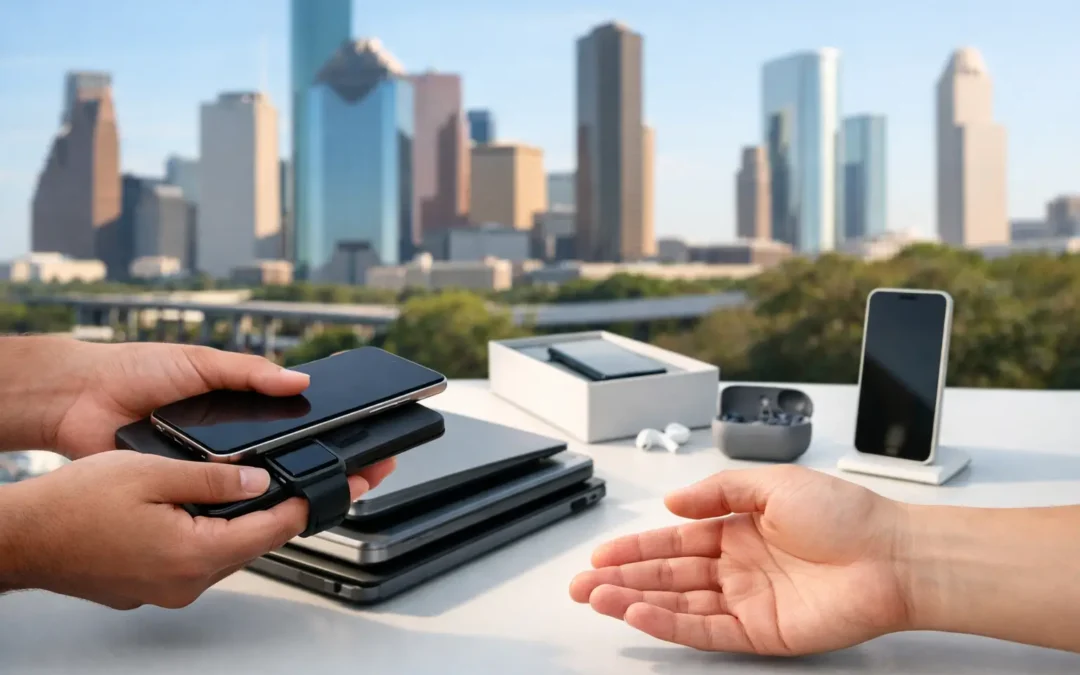
A cracked screen, weak battery, or slow laptop does not automatically mean your device belongs in a drawer. It may still have trade-in value, especially if the issue is repairable. This device trade in guide helps Houston customers make a clear call: repair it, trade it in as-is, or sell it after getting it back in working shape.
The best choice depends on your device’s age, condition, storage capacity, carrier status, and the cost of the repair. A fast inspection can keep you from accepting less than your device is worth or spending money on a repair that does not make financial sense.
Device Trade In Guide: Start With the Real Condition
Trade-in value is rarely based on whether a phone turns on alone. Buyers look at the full picture. Cosmetic damage affects the offer, but functional issues usually have a bigger impact. A device with a clean body but a dead camera, damaged charging port, or locked account can be difficult to resell.
Before requesting a quote, take an honest look at the screen, frame, cameras, buttons, charging port, speakers, battery, and back glass. On laptops and tablets, check the display, keyboard, trackpad, hinges, charging connection, and whether the device can connect to Wi-Fi.
A few issues are often worth repairing before a trade-in. Screen damage, battery wear, charging problems, and certain water-damage symptoms may be fixable at a cost that makes sense against the device’s improved value. That is especially true for newer iPhones, Samsung Galaxy phones, iPads, and popular laptops. On the other hand, an older device with multiple major problems may be better traded in as-is.
Do not guess based on online listings for perfect-condition devices. Those prices often reflect private-party sales, include seller fees, or assume the device is fully unlocked and in excellent shape. A local inspection gives you a more realistic number.
Repair First or Trade In As-Is?
This is the decision that can save you the most money. If your current phone has a repairable issue and still meets your needs, repairing it may cost much less than upgrading. You avoid the expense of a new device, the time needed to transfer everything, and the risk of buying a replacement with its own unknown history.
Repair before trading in can also be the better route when the device is recent, has higher storage, or has otherwise strong resale demand. For example, a newer phone with a shattered screen may command a much better offer after repair. The same goes for a laptop that works well but needs a battery replacement or malware cleanup.
There are times when repair is not the smart move. Consider trading in as-is when the device has extensive motherboard damage, repeated water exposure, a swollen battery, several failed components, or a repair estimate close to the device’s post-repair value. A trained technician can explain that trade-off in plain language instead of pushing you toward a repair that does not pay off.
At Phone Repair Ambulance, a local assessment can help you compare the repair cost with the device’s likely trade-in value, so you can make a decision without the runaround.
Protect Your Data Before You Hand It Over
Your old device may contain far more than photos and contacts. It can hold saved passwords, banking information, work documents, messages, two-factor authentication codes, and personal files. Backing up and properly removing your account are not optional steps.
First, make a current backup. iPhone users can back up through iCloud or a computer. Android users can use their Google account backup and confirm that photos, messages, and app data have synced. For laptops, copy important files to cloud storage or an external drive and verify that you can open them from the backup.
Next, move what you need to your replacement device. Test calls, messages, email, photos, banking apps, and authentication apps before erasing the old device. If you use an authenticator app, transfer or recover your codes first. Getting locked out of a work account after a factory reset is an avoidable headache.
Then complete these steps before a trade-in:
- Sign out of Apple ID, Google, Samsung, Microsoft, and any other primary account.
- Turn off Find My iPhone, Find My Device, Activation Lock, and similar tracking locks.
- Remove your SIM card and erase any eSIM plan if your carrier requires it.
- Factory reset the device only after confirming your backup is complete.
- Remove cases, screen protectors, stickers, and accessories unless they are part of the trade-in offer.
Activation locks matter. An iPhone that remains linked to an Apple ID or an Android device still locked to a Google account may have little or no trade-in value because the next owner cannot activate it. If you do not know your account password, solve that problem before you leave the device behind.
What Affects Your Trade-In Offer
Two devices with the same model number can receive very different offers. Storage size, color, carrier compatibility, repair history, battery health, and overall demand all matter. Unlocked devices are often more flexible for resale than carrier-locked devices, though a locked device can still have value.
The device must also be paid off and eligible to transfer. If you still owe money to a carrier, your trade-in options may be limited. Check your account status before assuming you can sell or trade the phone. A device reported lost or stolen, blacklisted, or financed without being paid off cannot be handled like a normal trade-in.
Original accessories can sometimes help, but they usually do not change the offer as much as condition and functionality. Do not hold onto a broken phone for months while searching for the original box. The device itself is what matters most, and its value generally falls when newer models are released.
Get Ready for a Fast, Fair Evaluation
Bring the device charged if possible. If it will not power on, bring it anyway, along with its charger if you have one. A technician may need to test whether the problem is the battery, charging cable, port, display, or a deeper internal issue.
Be upfront about prior repairs and water exposure. That information does not automatically end a trade-in, but it helps the evaluation stay accurate. A device that appears fine at first but fails after testing can change the final value, which wastes everyone’s time.
If you are comparing offers, compare the actual terms, not only the top number. Ask whether the quote assumes the device is fully functional, whether there are deductions for battery health or screen damage, and whether the amount is cash, store credit, or tied to a purchase. Store credit may be useful when you need a replacement immediately, while cash may be better if you are still shopping around.
When Trade-In Makes More Sense Than Selling Yourself
Private sales can sometimes bring more money, but they also take more work. You will need to create a listing, answer messages, negotiate, meet strangers, handle no-shows, and make sure the device is erased correctly. For a high-value device in excellent condition, that effort may be worthwhile.
A local trade-in is often the better fit when speed and convenience matter. It is especially practical if your phone stopped working, you need a replacement for work or school, or you want a clear answer on whether a repair is worth doing. You can get an evaluation, resolve the data and lock issues, and move forward without waiting for a buyer who may never show up.
The right time to trade in is before the device becomes a bigger problem. Back it up, get its condition checked, and ask for a straightforward evaluation. Whether it needs a quick repair or is ready to move on, a clear local quote gives you one less thing to worry about.