
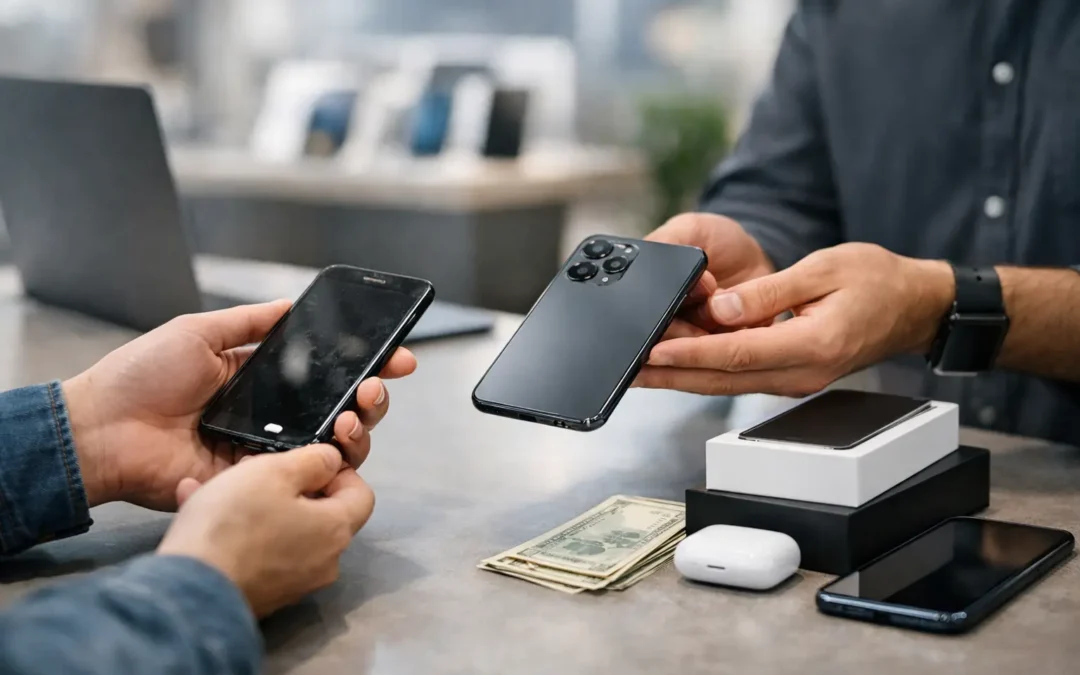
A trade-in quote can look great until a locked account, weak battery, or cracked screen cuts the offer at the counter. Knowing how to trade in an old phone before you hand it over helps you protect your information and avoid leaving money behind.
For most Houston customers, the best route depends on the phone’s condition, how quickly you need a replacement, and whether convenience matters more than squeezing out every last dollar. A private sale may bring more cash, but it also takes time, involves strangers, and puts the work of testing, meeting, and payment on you. A local trade-in is usually faster and simpler, especially when you need your next phone now.
Check What Your Old Phone Is Worth First
Start with the basics: identify the exact model, storage size, carrier status, and condition. An iPhone 13 with 256GB of storage is not valued the same way as the 128GB version, and an unlocked Samsung phone may have more resale appeal than one tied to a carrier.
Be honest about condition. A phone with normal signs of use may still qualify for a solid offer. A cracked display, damaged camera lens, failing charging port, battery issue, or water damage can reduce the value, but it does not always make the device worthless. Even phones that will not power on may have usable parts or repair potential.
Before accepting the first number you see, compare a few trade-in options. Carrier promotions can be strong when you are upgrading on a qualifying plan, but the credit may arrive over many monthly bills instead of as immediate value. Online buyback services can be convenient, yet final offers may change after the device is inspected and shipping adds another step. A local electronics shop can assess the phone in person and give you a clearer answer without the mail-in wait.
Decide Whether to Repair Before You Trade In
A simple repair can sometimes increase your trade-in value, but not every repair pays for itself. That is the key trade-off.
If the screen is cracked but the phone is a newer, in-demand model, getting a screen repair may raise the offer enough to make sense. The same may be true for a battery replacement if the phone shuts down unexpectedly or shows a serious battery-service warning. On the other hand, spending money to repair an older device with low market value may not be worthwhile.
Ask for both numbers before you decide: the current trade-in offer as-is and the estimated value after repair. Then compare that difference with the repair cost. This keeps the decision practical instead of guessing based on cosmetic damage alone.
At Phone Repair Ambulance, a technician can inspect the device, explain the condition that affects its value, and help you decide whether repair, trade-in, or keeping it as a backup phone is the better move. You should never feel pressured to fix a device just to trade it in.
Back Up Everything Before You Erase It
Your old phone likely holds more than photos and contacts. It may contain banking apps, saved passwords, work email, authentication codes, notes, family messages, and access to cloud storage. Backing up your data is not optional when you are switching devices.
Use your phone’s cloud backup or transfer tool to move your information to the new device. Check that your photos, messages, contacts, and important apps are actually available on the new phone before wiping the old one. If you use an authenticator app for two-factor verification, transfer those accounts carefully. Being locked out of email or banking after the reset is a problem no trade-in credit can solve quickly.
If your screen is broken or the phone will not turn on, data transfer may still be possible depending on the damage. A technician may be able to repair the display temporarily, restore power, or help recover files before the device is traded in. Do not erase a phone until you are sure the information you need is safely elsewhere.
Make Sure Your New Phone Is Working
Call someone, send a text, connect to Wi-Fi, sign in to your main email, and test the camera before you hand over the old device. Confirm that your mobile number has transferred if you changed carriers or activated a new phone. This takes a few minutes and prevents a stressful return trip later.
Remove Accounts, Locks, and Personal Information
This is the step that stops many otherwise good trade-ins. A device can be in excellent condition and still have little or no trade-in value if it is locked to the previous owner’s account.
For an iPhone, sign out of your Apple Account and turn off Find My before erasing the phone. For Android and Samsung devices, remove your Google account and Samsung account before the factory reset. These actions remove activation protections so the next owner can set up the device properly.
Then erase the phone using its built-in factory-reset option. Remove the physical SIM card if your phone has one. If you use an eSIM, make sure your cellular plan has transferred or has been removed as directed by your carrier. Finally, take out cases, screen protectors, wallet attachments, and any memory card.
Use this quick handoff check before trading it in:
- Your photos, contacts, messages, and authentication accounts are transferred.
- Find My, Google account protection, and any device-management profile are removed.
- The phone has been factory reset and is at the setup screen.
- The SIM card, microSD card, case, and personal accessories are removed.
A business-managed phone needs extra attention. If it came from an employer, school, or organization, it may still be enrolled in device management. Only the organization’s administrator can remove that restriction. Get approval before trading in a device that was not personally purchased.
Bring the Details That Can Improve Your Offer
You do not always need the original box, charging cable, or receipt to trade in an old phone, but having them can help establish ownership and may improve resale appeal. Bring a valid government-issued ID if the buyer requires it. If you still owe money on the phone, check with your carrier first. A financed device may be restricted or blacklisted if the account is not in good standing.
Clean the device gently before it is inspected. Wipe off fingerprints, remove dust from the charging port with care, and avoid using liquids or sharp tools. Do not try to hide damage with a cheap replacement screen protector or claim a problem does not exist. A trained inspection will find it, and clear communication gives you a more accurate quote from the start.
How to Trade In an Old Phone Without Surprises
When you receive an offer, ask what it is based on. Is it a cash amount, store credit, or monthly carrier bill credit? Is the quoted value final after inspection? Will there be a deduction for a weak battery, scratches, or missing accessories? These are normal questions, and a dependable buyer should answer them clearly.
Speed matters too. If your current phone is unreliable, choosing a slightly lower but immediate local offer may be smarter than waiting weeks for a mail-in quote that could change. If your device is in excellent condition and you are not in a rush, comparing carrier promotions and private-sale prices may be worth the extra effort.
Keep a record of the phone’s serial number or IMEI before the handoff, along with the trade-in receipt. Once the transaction is complete, check your carrier account and cloud account one more time to confirm the old device is no longer connected. That small final check gives you peace of mind.
Your old phone still has value, whether it becomes credit toward an upgrade, a repaired backup device, or a responsibly recycled piece of electronics. Take a few careful steps before the handoff, and you can move to your next device with your data protected, your options clear, and no unnecessary delay.