
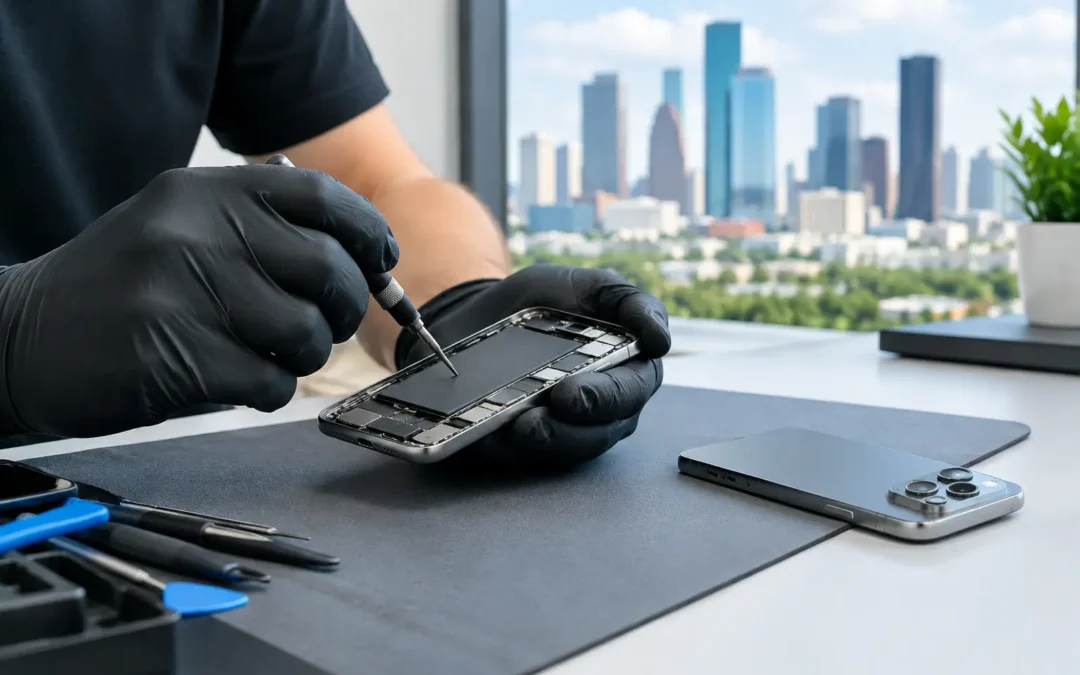
A cracked display, camera warning, charging problem, or unexpected shutdown can turn a premium phone into a daily headache fast. When you need iPhone 17 Pro Max repair, the priority is not just getting the phone powered back on. You need a repair that protects the features you use for work, photos, payments, navigation, family communication, and everything else your phone handles every day.
For Houston customers, the best repair choice usually comes down to three things: an accurate diagnosis, quality parts and workmanship, and a turnaround time that does not leave you without your phone for days. The right local technician should explain what failed, what the repair involves, and whether fixing the device makes more sense than replacing it.
When Your iPhone 17 Pro Max Needs Repair
Not every issue begins with a dramatic drop. A screen may develop flickering, black spots, touch dead zones, or a green or white line after a minor impact. Charging trouble can come from lint in the port, a damaged cable, battery wear, a charging component issue, or moisture exposure. A phone that is acting strangely after getting wet may seem fine at first, then develop trouble hours or days later.
The key is not to guess. Repeatedly forcing a damaged charging port, continuing to use a swollen battery, or ignoring a cracked back glass can make a smaller repair more expensive. If your phone gets unusually hot, loses power quickly, shows camera errors, or has a screen that separates from the frame, stop using it and have it checked promptly.
A technician should inspect the full device rather than only the obvious damage. A hard fall can affect the screen, housing, cameras, wireless charging components, and internal connections at the same time. That inspection helps prevent the frustrating situation where one problem is repaired but another impact-related issue appears immediately afterward.
Common iPhone 17 Pro Max Repairs
Screen and display replacement
A cracked screen is the repair most people expect, but not all display damage looks the same. Surface cracks may still allow normal touch response. Deeper impact damage can cause dark blotches, flashing, missing touch input, or a display that remains black even though the phone still rings and vibrates.
A proper screen repair involves more than placing a new panel on the phone. The device needs careful opening, inspection of the frame, transfer or replacement of necessary components, testing of touch response, brightness, sensors, and front camera operation. If the housing is bent, a new display may not sit correctly until that issue is addressed.
For eligible iPhone screen repairs, Phone Repair Ambulance may be able to complete service in as little as 15 minutes. The actual time depends on the damage, part availability, and whether the phone has additional problems that need attention.
Battery replacement
Battery problems are often mistaken for software problems. Your phone may shut down at 20 percent, run hot during ordinary use, take longer to charge, or lose a large amount of power while sitting unused. Those signs can point to an aging or damaged battery, though apps, settings, weak cellular signal, and system issues can also affect battery life.
A technician can help separate normal heavy use from a battery that is no longer performing as it should. Battery replacement is generally a practical option when the rest of the phone is in good condition. If the device has major display, camera, and housing damage as well, it is worth comparing the combined repair cost with the value of replacement or trade-in.
Charging port and power issues
Before assuming your charging port has failed, try a known-good cable and power adapter. Dust and compressed pocket lint can pack into a port tightly enough that the cable no longer makes a secure connection. Do not dig inside the port with metal tools or excessive force. That can damage delicate contacts and turn a cleaning issue into a repair.
If your phone still will not charge reliably, only charges at a certain angle, or does not respond to wired or wireless charging, a diagnostic check is the next step. Power issues may involve the port, battery, charging circuitry, or moisture damage. The correct repair depends on the actual cause, not just the symptom.
Camera, speaker, and microphone repairs
The iPhone 17 Pro Max is built for high-quality photos and video, so camera trouble is hard to ignore. A camera that will not focus, shakes unexpectedly, displays a black preview, or produces blurry images may need more than a settings reset. Impact damage, moisture, and component failure can all affect camera performance.
The same goes for muffled speaker sound, microphone problems during calls, or a receiver that makes conversations difficult to hear. A professional diagnosis can determine whether the problem is a blocked mesh, software setting, damaged component, or internal connection issue. That matters because replacing the wrong part wastes time and money.
Water and liquid damage recovery
Water resistance is not a guarantee against water damage. Seals can weaken after impacts, normal wear, or prior repairs. Salt water, pool water, soft drinks, and other liquids can be especially harmful because residue remains after the moisture dries.
If liquid gets into your phone, power it off if possible and avoid charging it. Do not use rice, a hair dryer, an oven, or compressed air. Rice does not remove corrosion, while heat and forced air can push moisture deeper into the device. Bring the phone in quickly so a technician can inspect for moisture and corrosion before it spreads.
What a Good iPhone 17 Pro Max Repair Process Looks Like
Fast service should not mean rushed service. A dependable repair starts with a quick conversation about what happened, followed by testing that confirms the issue. You should receive a clear quote before work begins and a straightforward explanation if the technician finds additional damage.
After the repair, the phone should be tested for the functions related to the service. For example, a display repair should include checks for touch response, display quality, cameras, speakers, charging, and basic phone operation. A charging repair should confirm that the phone charges consistently and recognizes a cable properly.
Some newer-device repairs can involve software pairing, calibration, or system notifications depending on the part and repair method. Ask about this before approving the work. A reputable shop will be direct about what to expect rather than treating technical details like a surprise after pickup.
Protect Your Data Before You Hand Over the Phone
Whenever your phone is still usable, create a current backup before repair. That is smart protection even when the issue seems limited to the screen or battery. Hardware failures can happen without warning, and a backup protects your photos, messages, contacts, files, and app data.
Before your appointment, remove your case and accessories if you can. Know your device passcode, and make sure you can access the account information needed to disable security features if required for testing. You do not need to share more personal information than necessary, but the technician may need limited access to confirm that key functions work after the repair.
If the phone will not turn on, tell the repair team whether your data is especially important. Data recovery and standard repair are not always the same service, and early communication helps set realistic expectations.
Repair or Replace? Make the Call Based on the Full Picture
A single cracked screen or weak battery usually makes repair an easy decision. The math changes when there is severe frame damage, extensive liquid corrosion, multiple failed components, or an issue that affects the logic board. In those cases, ask for an honest repair assessment and compare it with replacement, trade-in, or buyback options.
Age alone is not a reason to replace a phone. If the device meets your needs and the repair restores reliable daily use, repair can be the faster and more affordable path. On the other hand, if repair costs stack up and the phone has recurring problems, putting that money toward another device may be the better move.
Get Back to Your Day Without the Runaround
Your phone should not sit in a mail-in queue while you miss calls, lose work time, or borrow a backup device. Houston customers need local help, clear answers, and technicians who treat a damaged phone like the urgent problem it is.
Bring your iPhone 17 Pro Max in for a professional diagnosis, ask for a free repair quote, and choose the path that makes sense for your device and your budget. A quick, well-explained repair can turn a stressful interruption into a short stop on the way back to your day.