
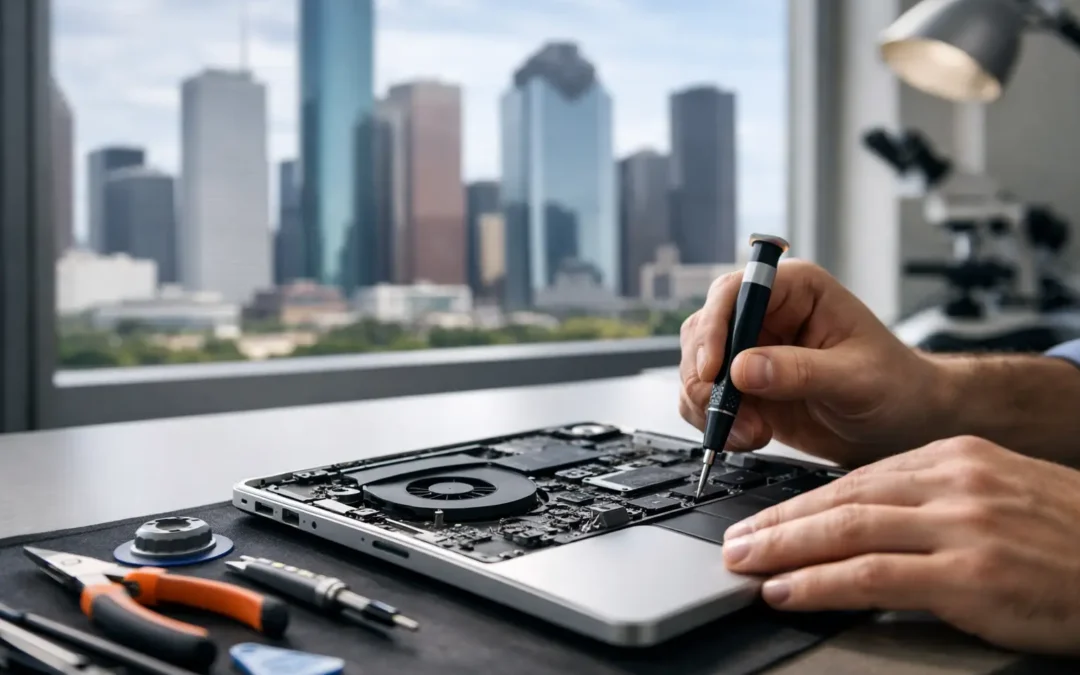
Your laptop never seems to break at a convenient time. It dies before a class deadline, starts overheating during a work meeting, or refuses to charge right when you need to send one last file. That is why laptop repair Houston customers choose usually comes down to three things – speed, trust, and not having to guess what happens next.
If you are dealing with a cracked screen, battery trouble, liquid damage, a failing hard drive, or a system that has slowed to a crawl, the right repair shop should make the process simple. You should be able to get a clear quote, understand the likely turnaround, and know whether your laptop is worth repairing or replacing. When the device holds your work, school files, photos, and passwords, that clarity matters.
What people usually need from laptop repair Houston services
Most customers are not looking for a long technical explanation. They want to know whether the laptop can be saved, how much it will cost, and how fast they can get back to normal. In Houston, that need is even more practical because people are commuting, working hybrid schedules, managing school, and running businesses from their devices every day.
The most common laptop problems are usually easy to spot. A shattered display, weak battery, loose charging port, failing keyboard, or constant pop-ups all point to a repair issue that needs attention. Other problems are less obvious. Random shutdowns can come from overheating, battery failure, motherboard trouble, or liquid exposure. A laptop that feels slow might need malware removal, storage replacement, memory upgrades, or a fresh operating system install. The symptom is simple. The cause is not always.
That is why diagnosis matters as much as the actual repair. A shop that rushes straight to replacing parts without checking the full problem can waste your time and money. Good repair starts with identifying what failed, what else may have been affected, and whether the fix makes financial sense.
The most common laptop repairs and what they involve
Screen repair is one of the most frequent requests. Sometimes the glass is visibly cracked. Other times the screen looks black, flickers, shows lines, or has dead spots after a drop. In many cases, the panel can be replaced without affecting the data on the laptop. That is good news for students and professionals who need their files intact.
Battery replacement is another common service, especially on older laptops. If your battery drains fast, only works while plugged in, swells, or causes random shutdowns, replacing it can restore normal performance. The trade-off is that not every battery issue is really a battery issue. In some models, charging problems come from the port, power circuit, or charger itself. A proper check helps avoid paying for the wrong fix.
Keyboard and trackpad repairs matter more than people expect. A few dead keys can make schoolwork, email, or payroll a daily frustration. Liquid spills often hit these components first. Sometimes the repair is limited to the keyboard assembly. Sometimes deeper damage shows up later, especially if moisture reached the board.
Charging port repairs are common in homes with kids, shared desks, and heavy daily use. Ports get bent, loosened, or damaged from repeated plugging and unplugging. If the connection only works at a certain angle, do not wait too long. Continued use can make the damage worse.
Then there is software repair. Virus infections, malware, startup failures, frozen updates, and login issues can make a perfectly good laptop feel broken. In these cases, the hardware may be fine. You may need cleanup, operating system repair, data backup, or antivirus installation rather than a part replacement.
When same-day service makes the biggest difference
Not every repair can be completed the same day, but many can. That matters when your laptop is tied to work, school, billing, or family communication. A local shop with trained technicians and ready access to common parts can often turn around screen, battery, software, and basic hardware repairs much faster than a mail-in option.
Houston customers usually do not want to box up a laptop, ship it away, and wait a week just to hear back. They want local service and real updates. That is one reason the hybrid repair model works so well here. If you have nearby retail locations and the option for on-site support in certain cases, getting help becomes much easier.
Phone Repair Ambulance built its reputation around that kind of speed and convenience across Houston. For customers, the benefit is simple – less downtime and fewer extra steps.
How to tell whether your laptop is worth repairing
This is where a trustworthy repair provider earns your business. Not every laptop should be repaired, and a good technician will tell you that.
If the issue is a screen, battery, keyboard, charging port, fan, software failure, or malware infection, repair is often worth it, especially if the laptop is otherwise meeting your needs. If the machine is only a few years old, replacement usually costs much more than a focused repair.
It gets more complicated when the motherboard is damaged, the system has severe liquid corrosion, or multiple major parts have failed at once. In those cases, the best option depends on the laptop’s age, model, specs, and the value of the data inside. A business laptop with solid performance may still justify a higher repair bill. A budget machine near the end of its life may not.
That is also why data matters in the repair decision. Even if the laptop itself is not worth saving, the files on it might be. Photos, tax documents, school projects, business records, and saved accounts can make data recovery the top priority.
What to do before you bring in a damaged laptop
If your laptop still turns on, back up your files right away. Use an external drive or cloud storage if possible. If it has been exposed to water, shut it down immediately and do not keep trying to power it on. That can turn a repairable issue into major board damage.
If the machine is overheating, unusually loud, or showing battery swelling, stop using it until it is checked. A swollen battery is not something to ignore. If the issue looks software-related, write down any error messages and what changed before the problem started. That helps speed up diagnosis.
Bring your charger if charging is part of the issue. Many laptop problems are blamed on the device when the adapter has actually failed. The more complete the picture, the faster a technician can narrow down the cause.
Choosing a Houston repair shop without wasting time
You should not need to become a laptop expert just to choose a repair provider. A few practical signs usually tell you whether a shop is worth your time.
First, look for clear communication. You want a real diagnosis, a transparent quote, and a realistic timeline. Second, make sure they handle both hardware and software issues. Laptop problems often overlap. Third, local access matters. Multiple Houston-area locations or mobile support can save you hours.
You should also pay attention to how the shop talks about the process. If they make repair tracking easy and keep you updated, that reduces a lot of customer stress. People are not just handing over a device. They are handing over their work and personal data.
Finally, choose technicians who know how to work across major brands and common consumer models. The problem may look similar from one laptop to the next, but repair difficulty can vary a lot depending on how the device was built.
Why local repair usually beats replacement pressure
A lot of customers walk into a repair conversation expecting to be told they need a brand-new device. Sometimes that is true. Often, it is not.
A local repair-first approach gives you options. Maybe your laptop only needs a battery and cleanup. Maybe a new screen buys you another two years. Maybe malware removal and storage replacement make it feel usable again. Those are practical wins, especially if you were not planning to spend hundreds or thousands on a replacement this month.
That does not mean repair is always the right answer. It means the right shop helps you compare repair cost, device age, expected lifespan, and data value before pushing you toward a decision.
When your laptop goes down, what you need most is not a sales pitch. You need a fast, honest answer from someone local who can help you get moving again – whether that means a repair, a recovery plan, or the confidence to replace it for the right reasons.