
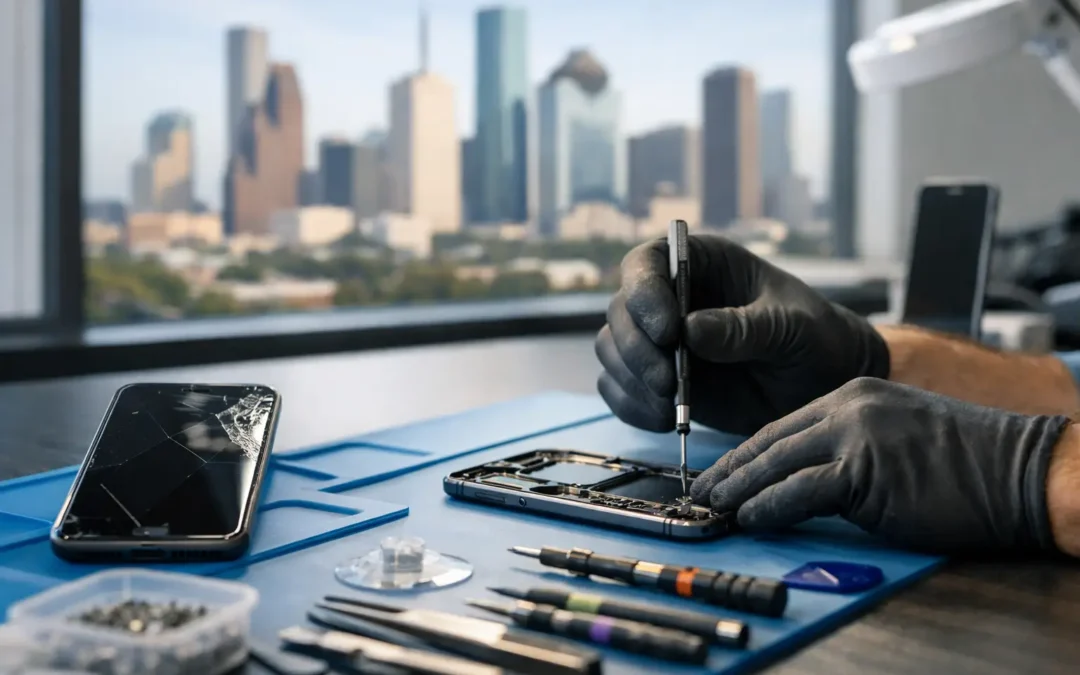
A cracked screen can happen in one second. The decision that follows should not take all day. This phone repair cost guide gives Houston device owners a practical way to understand repair pricing, compare the real options, and decide when fixing a phone, tablet, or computer makes financial sense.
The short answer is that repair cost depends on the device model, the failed part, the quality of the replacement part, and how much damage is hiding beneath the surface. A screen that looks like a simple crack can also have touch-response problems, frame damage, or a weakened battery. That is why a clear diagnostic and a written quote matter more than a guess based on a photo.
What Usually Determines Phone Repair Cost
Your phone model has a major effect on price. Newer flagship phones often use OLED displays, high-refresh screens, Face ID or fingerprint components, and tightly integrated parts. Those features can make a screen repair more expensive than the same repair on an older or entry-level device. Foldable phones are a separate category altogether because their flexible displays and hinges require specialized parts and handling.
The type of damage comes next. A cracked outer glass may be less involved than a display that is black, flickering, bleeding color, or no longer responding to touch. A charging problem could be lint in the port, a worn charging cable, a damaged port, a battery issue, or a board-level fault. The symptom may be simple, but the underlying cause determines the repair.
Part quality also matters. Reliable repair shops should explain whether they are using an OEM-equivalent, premium aftermarket, or other compatible part, and how that choice affects cost and performance. The lowest quote is not automatically the best value if it leads to dim colors, poor touch response, weak battery life, or an early repeat repair.
Finally, labor varies by repair complexity. A battery replacement on many phones is straightforward. A rear-glass repair, charging-port replacement, camera repair, or water-damage recovery can require more disassembly, testing, and cleanup. Labor is not just the time spent opening a device. It also covers safe reassembly and testing the features you rely on every day.
Phone Repair Cost Guide: Typical Price Ranges
These ranges are meant to set expectations, not replace a technician’s quote. Parts pricing changes by model and availability, and the exact device condition can raise or lower the final cost.
| Repair type | Typical price range | What can change the price | |—|—:|—| | iPhone or Samsung screen repair | $80-$400+ | Model, LCD versus OLED display, frame damage, fingerprint or Face ID-related testing | | Battery replacement | $60-$150+ | Phone model, battery availability, adhesive and water-resistance seals | | Charging port repair | $70-$180+ | Debris cleanup versus port replacement, corrosion, flex cable or board damage | | Back glass repair | $90-$300+ | Model design, camera housing damage, labor required to remove bonded glass | | Camera or speaker repair | $70-$250+ | Which component failed and whether impact or moisture damaged nearby parts | | Water-damage recovery | $75-$300+ | Amount of corrosion, number of affected components, data-recovery needs |
A repair near the lower end of the range is common for older models with readily available parts. A recent Pro, Ultra, or foldable model may land at the high end because the display assembly or camera system costs more before labor begins.
Do not assume that a repair quote is inflated just because it is higher than a quick online estimate. Online estimates often leave out taxes, diagnostic work, premium parts, warranty coverage, or damage discovered after the device is opened. Ask what the quote includes and whether there is any charge if you decline the repair after diagnosis.
Screen Repairs: Why Two Cracks Can Cost Very Different Amounts
Screen damage is the repair customers ask about most, and it is also one of the easiest places to compare the wrong things. A phone with a thin crack but normal display and touch function may need a different solution than one with black spots, green lines, ghost touches, or a completely dark screen.
Modern screens are not just glass. They combine the display, touch layer, brightness sensors, and sometimes biometric systems into a single assembly. On many iPhones and Samsung Galaxy devices, replacing only the outer glass is not a practical or dependable choice when the display has already been damaged. A proper repair restores the full screen assembly and tests the phone afterward.
Before approving a screen repair, ask whether the replacement will preserve normal brightness, color, touch accuracy, and biometric functionality where applicable. Also ask whether the technician will inspect the frame. A bent housing can prevent a new screen from sitting correctly and may make another crack more likely.
Battery, Charging, and Power Problems
A battery replacement is often one of the best-value repairs, especially when the phone is otherwise in good condition. Signs include rapid battery drain, unexpected shutdowns, swelling, overheating, or a battery health warning. Replacing an aging battery can make a phone feel usable again without the cost of a new device.
Charging issues require a little more care. If your device only charges at a certain angle, starts and stops charging, or will not recognize a cable, do not assume you need a new port. Pocket lint can pack tightly into a charging port, and a professional cleaning may solve the problem at a much lower cost. If the port is physically damaged or corroded, replacement may be necessary.
Avoid using a damaged cable or forcing a connector into the port. That can turn a small cleanup into a more expensive repair. If your phone gets unusually hot while charging, stop using it until it has been checked.
Water Damage Is Priced by Risk, Not Just Repair Time
Water damage is unpredictable because moisture does not stay where it first enters. A phone dropped in a pool may appear fine for several hours, then develop charging, camera, speaker, or display issues as corrosion spreads. Salt water, sugary drinks, and Houston humidity after a spill can make the situation worse.
The right first move is to power the device off if possible and avoid charging it. Do not rely on rice. Rice does not remove corrosion, and turning the phone on repeatedly can cause additional electrical damage. A technician can inspect for moisture, clean affected areas, and determine whether the goal is full repair, data recovery, or both.
Because water damage can affect multiple components, a shop may need to diagnose the device before offering a final quote. That is not a delay tactic. It is the only honest way to avoid promising a fixed price before the damage is visible.
When Repair Makes More Sense Than Replacement
Repair is usually worth considering when the cost is significantly below the price of an equivalent replacement device and the phone still meets your needs. A screen or battery repair on a two- or three-year-old phone can be a smart move, particularly if the device has enough storage, receives software updates, and has no major motherboard problems.
Replacement can make more sense when the device needs several expensive repairs at once, has persistent network or board-level failures, or is so old that software support and resale value are limited. In that case, ask about buyback, trade-in, or a quality used replacement. The best choice is not always the cheapest repair today. It is the option that gives you a dependable device for the next year or two.
Your data matters in this decision as well. If a phone will not power on, a repair may be worth it primarily because it gives you access to photos, messages, work files, or authentication apps. Let the technician know if data recovery is your priority before any work begins.
How to Get a Quote You Can Trust
A useful quote starts with the exact make and model, not just “iPhone” or “Samsung.” If you can, provide the storage size, the visible symptoms, whether the phone was dropped or exposed to liquid, and whether it still powers on. Clear details help the shop prepare the right part and give a more accurate estimate.
Ask whether the quote includes parts, labor, testing, and warranty coverage. Confirm the expected turnaround time and whether the price can change if hidden damage is found. You should never be surprised by additional work. A dependable repair provider contacts you, explains the issue in plain language, and gets approval before moving forward.
For Houston customers who need a fast answer, Phone Repair Ambulance offers local repair options designed around real schedules, including same-day service for many common issues and mobile, on-site help when getting to a store is not convenient. A technician can confirm what your device needs instead of making you gamble on a repair based on a generic price list.
A damaged device is stressful enough. Start with an accurate diagnosis, protect your data, and choose the repair that gives you the most reliable next step – whether that is a new screen, a fresh battery, a careful cleanup, or a replacement that fits your budget.