
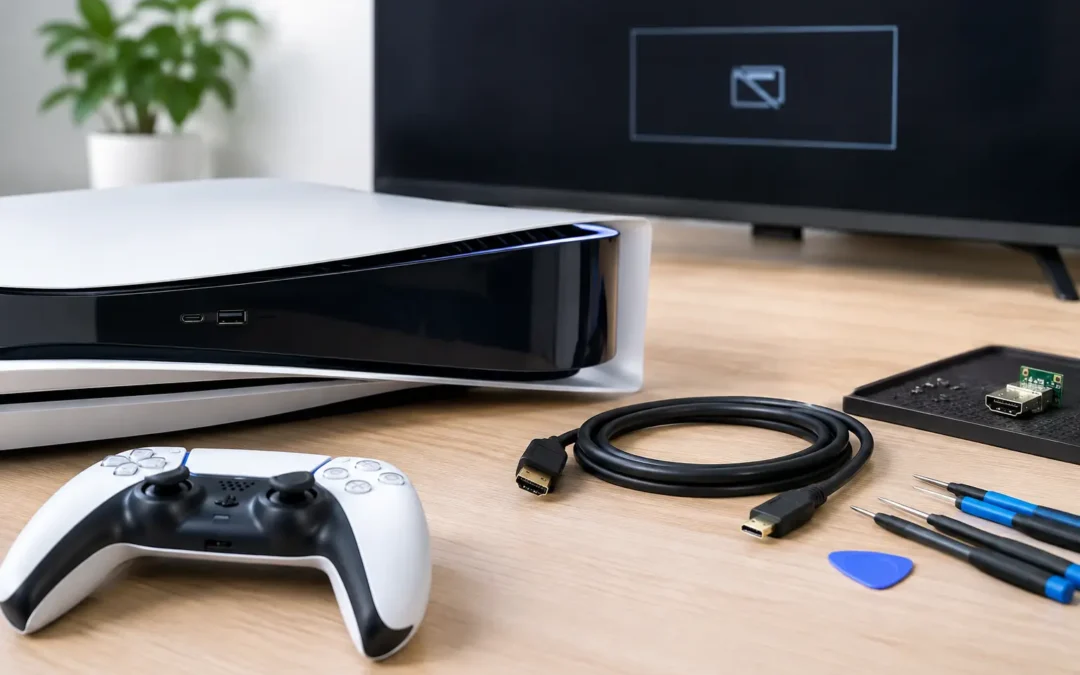
A PS5 HDMI repair is usually needed at the worst possible time: you turn on the console, the power light comes on, and your TV says “No Signal.” Before assuming your PlayStation is done for, know that a damaged HDMI port is a common, repairable issue. The right diagnosis matters because a bad cable, TV setting, or internal console problem can look very similar from your couch.
If your PS5 has stopped displaying a picture, avoid forcing cables into the port or trying quick internet fixes that can cause more damage. A local technician can inspect the console, confirm the source of the failure, and tell you whether an HDMI port replacement is the right solution.
Signs You May Need PS5 HDMI Repair
The clearest sign is a console that powers on but will not show an image on a TV or monitor that works with other devices. You may see a “No Signal” message, a black screen, flickering video, colored lines, or a picture that cuts in and out when the cable moves.
Look closely at the HDMI port with the console powered off. A port that appears bent, loose, pushed inward, or missing pins needs professional attention. If the cable no longer fits securely, that is another strong warning sign. HDMI ports can be damaged when a console is dropped, an attached cable is pulled sideways, or the console is moved while connected to a TV.
Not every display issue is a broken port. A worn HDMI cable can fail, and some TVs need a different input selected. Start by testing a known-working, high-quality HDMI cable in another TV or monitor. If the PS5 still has no picture, especially when the port feels loose or looks damaged, it is time to have it checked.
Problems That Can Look Like a Bad HDMI Port
A black screen does not automatically mean the port needs replacement. Resolution settings, HDCP conflicts, software trouble, and internal board damage can also stop video output. This is why replacing a port without proper testing is not a good guess.
A repair technician should test the console with known-good equipment, inspect the physical port, and check the connection on the board. If the port looks fine but there is still no image, the issue may involve the HDMI encoder, filters, or traces on the motherboard. Those repairs can be more involved, and an honest diagnosis should explain that difference before work begins.
What a Professional PS5 HDMI Repair Involves
An HDMI port is soldered directly to the PS5 motherboard. It is not a plug-in part and cannot be safely swapped with a screwdriver kit. Proper repair requires opening the console, removing the damaged port with specialized heat equipment, cleaning the board, fitting a new port, and soldering every connection precisely.
After installation, the technician needs to inspect the solder joints and test video output. The console should be checked for a stable picture, proper resolution, sound through HDMI, and a secure cable connection. Simply getting a picture for a few seconds is not enough. A quality repair verifies that the console can stay connected without flickering or dropping signal.
The condition of the board affects the final repair. A port damaged by normal wear or a pulled cable may only require a replacement port. A hard impact can tear small pads or damage nearby components. Water exposure may create corrosion that extends beyond the port. In those cases, the repair may take longer or require additional board-level work.
For Houston gamers who need clear answers fast, Phone Repair Ambulance can inspect the problem and provide a repair quote before moving forward. You should know what is wrong, what the repair involves, and whether there are any additional issues affecting your console.
Why DIY HDMI Port Replacement Is Risky
Watching a repair video can make HDMI replacement look simple. The reality is that PS5 motherboard work is delicate. The port has multiple tiny connections, and too much heat can lift solder pads, damage nearby components, or warp the board. A replacement port that is slightly misaligned may accept a cable but still fail to carry video.
DIY repair can also turn a straightforward port replacement into a more expensive board repair. Consumer soldering irons and heat guns are rarely precise enough for this job. Even if a new port appears installed correctly, microscopic solder bridges or weak connections can cause an unstable signal later.
There is also the risk of diagnosing the wrong issue. If the HDMI port is not actually the problem, replacing it will not restore your display. Professional testing is often the fastest way to avoid buying parts, opening your console, and losing more time.
What to Do Before Bringing in Your PS5
You do not need to spend hours troubleshooting, but a few simple checks can rule out easy problems. Test the console with another HDMI cable and another display if possible. Make sure the TV is set to the correct input. Disconnect the PS5 from power for a few minutes, then reconnect it directly to the TV rather than through a receiver, switch, or capture device.
Do not jam the HDMI cable into the port or wiggle it aggressively to get a temporary picture. That can bend pins further and damage the connection points inside the console. If you can see damage, leave the cable unplugged until the repair is inspected.
When you bring the console in, share what happened before the issue started. Mention whether the console was dropped, whether a cable was pulled, whether it was exposed to liquid, or whether the screen began flickering before it went black. Those details help the technician narrow down the problem faster.
How Long Does PS5 HDMI Repair Take?
Turnaround depends on the extent of the damage, technician availability, and whether the motherboard needs work beyond the port itself. A clean HDMI port replacement is generally more direct than a repair involving lifted pads, corrosion, or failed video components.
Be careful with anyone who promises a repair without seeing the console first. Fast service is valuable, but the right repair starts with confirming the issue. Ask whether the console will be tested after the repair and whether the price includes the port, labor, and diagnostic work. A clear quote prevents surprises.
If you rely on your PS5 for gaming, streaming, or family entertainment, a local repair option is usually more practical than shipping a heavy console away and waiting weeks for an update. You can speak with a technician, get an honest assessment, and keep control of the decision.
Protect Your New HDMI Port After Repair
Once the port is repaired, treat the cable connection carefully. Keep enough slack in the HDMI cable so it is not pulling downward or sideways. Avoid moving the PS5 with the cable connected, especially if the cable is tight behind an entertainment center.
Use a cable that fits correctly and replace any connector that feels bent or damaged. If children, pets, or frequent furniture moves put pressure on the cable, consider arranging the console where the HDMI connection is less exposed. Small changes can prevent a repeat repair.
A no-signal PS5 can feel like a major interruption, but it does not have to mean replacing the entire console. Get the port inspected, choose a repair based on a real diagnosis, and let a trained technician handle the board-level work so you can get back to the screen that matters.